
Command Center per Job
A busy interview week can easily turn into ten tabs, a scattered notes app, and calendar invites with no context attached. Command Center per Job solves this by giving each opportunity its own dedicated operating space inside applyx. The role description, your notes, action items, and interview history all live in one place — so whether you are preparing for a first screen or following up after a final round, everything you need is already there without hunting for it.
- Consolidate role description, status, and action items into one reliable source of truth.
- Capture interview schedules and notes in the same place where you track stage movement.
- Reduce context-switching during busy interview weeks.
- Maintain better decision context when comparing opportunities.
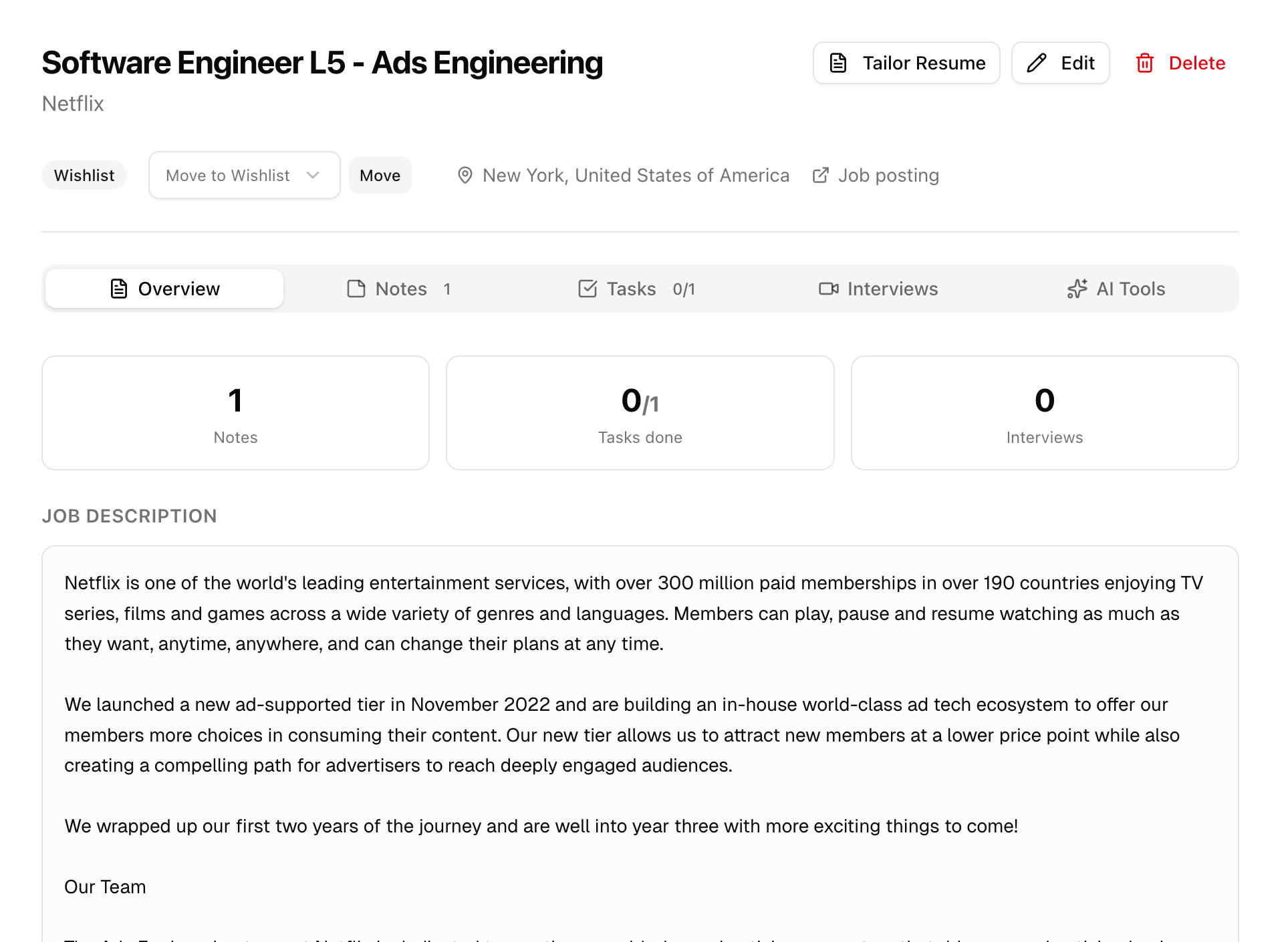
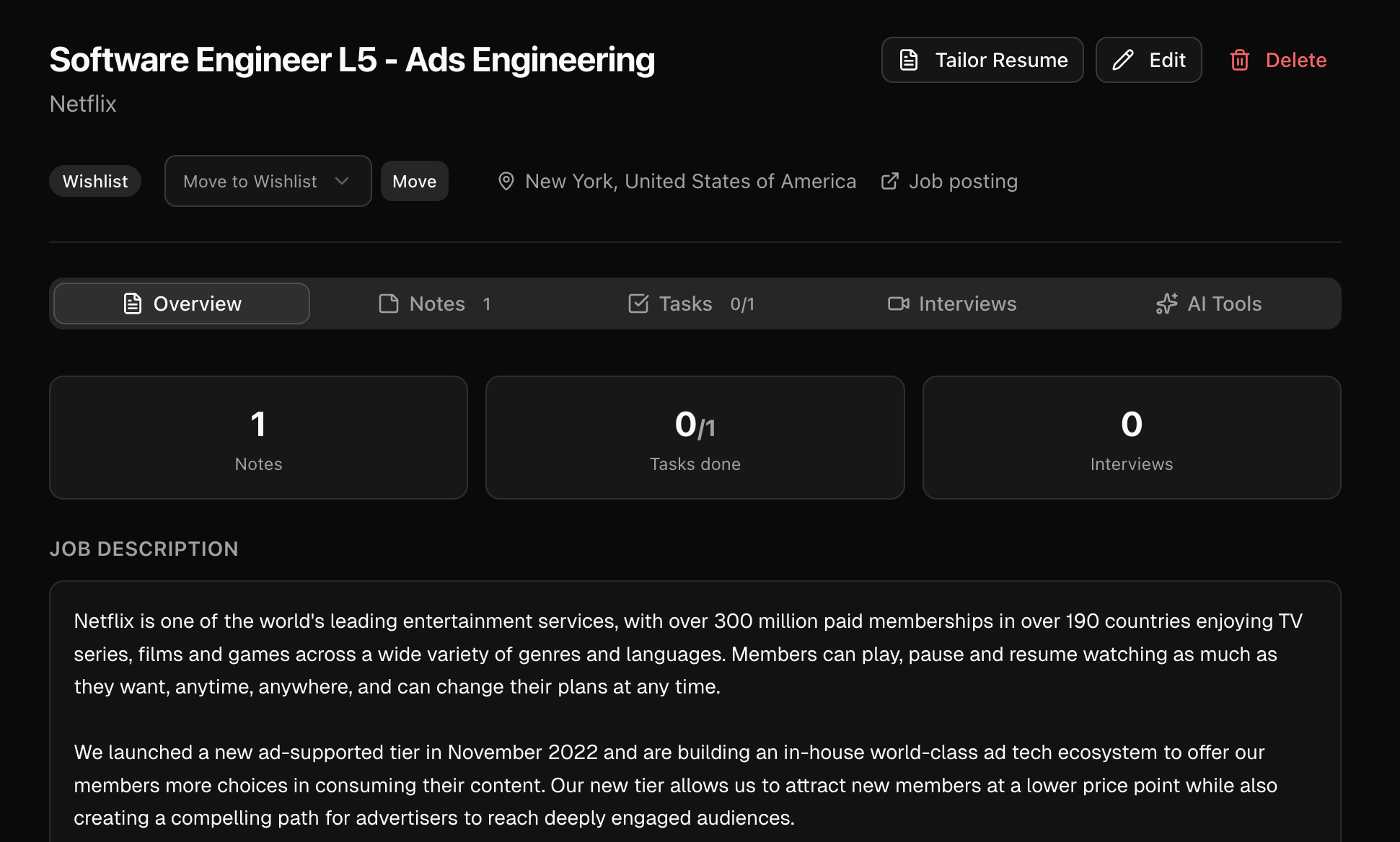
One workspace for role context, notes, and progress
01
One Workspace for Everything About a Role
Each job inside applyx has its own command center page — a structured hub that holds the original job posting, your notes, checklist tasks, stage history, and any links or files you want to keep attached. As your pipeline grows, every role stays fully self-contained. You open a job and immediately see its entire context: what the role is, where it stands, what still needs doing, and what has already happened. No more piecing together the story from scattered sources before every call.
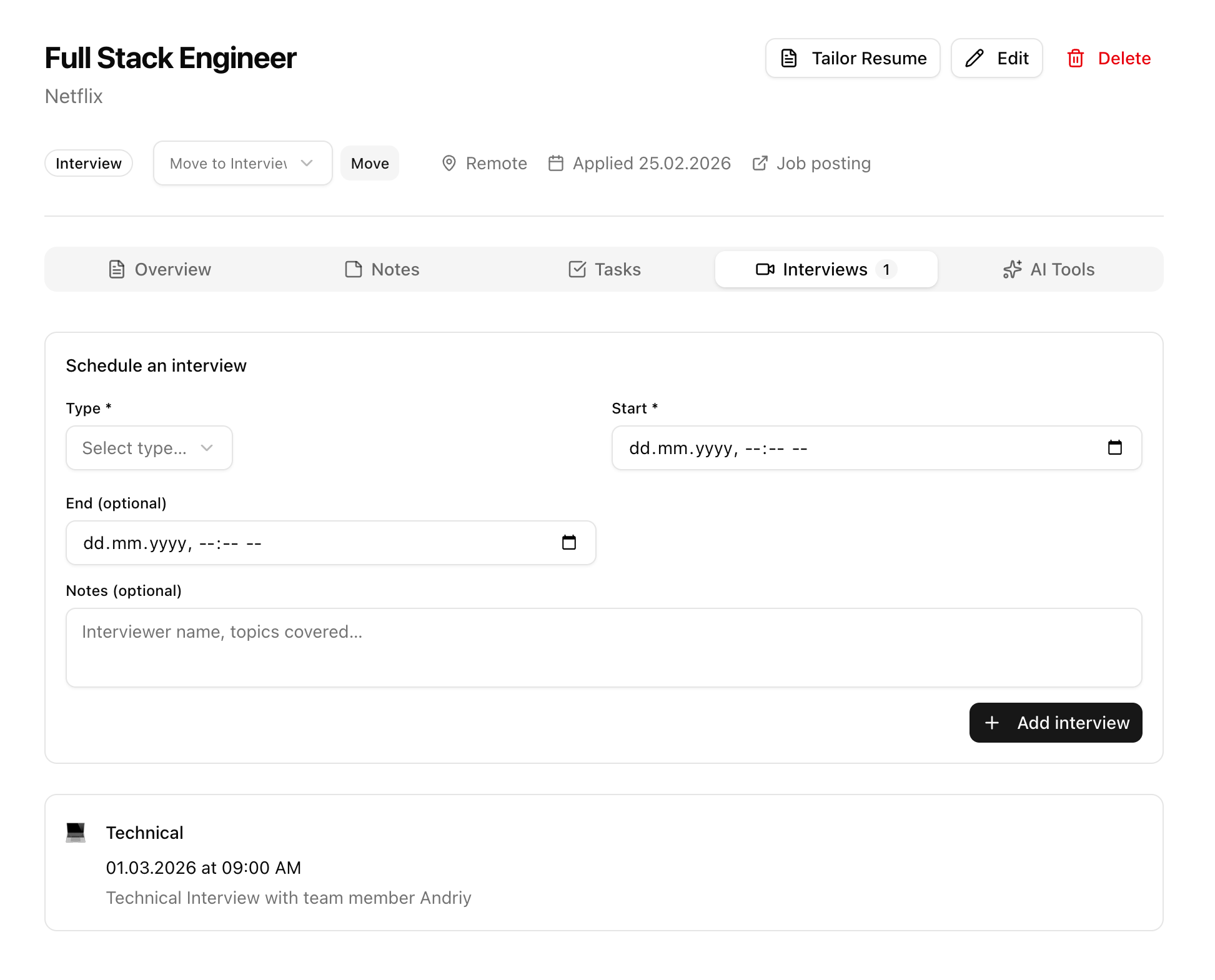
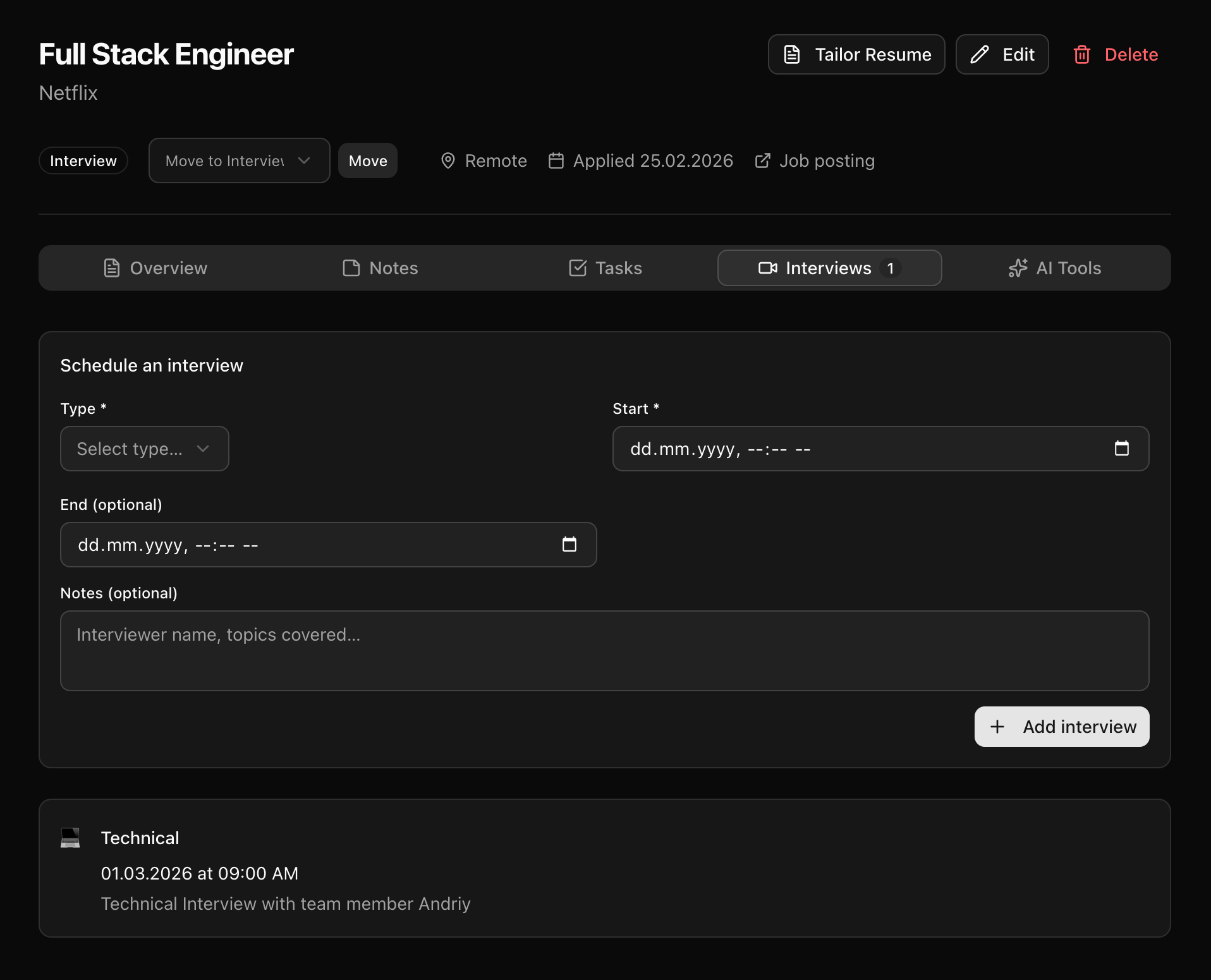
Interview scheduling and tracking tied to the same job
02
Interview Coordination Without the Tab Juggling
Interview tracking in applyx is built directly into the job command center rather than a separate calendar tool. Add interview rounds with dates, formats, interviewers, and preparation notes — all anchored to the specific role. When a round goes well and advances, the next round is right there to add. When you debrief, your notes from each stage stay attached. This makes it dramatically easier to stay organized during weeks when you are running multiple interview processes simultaneously.
Move from macro list view to role-level command center
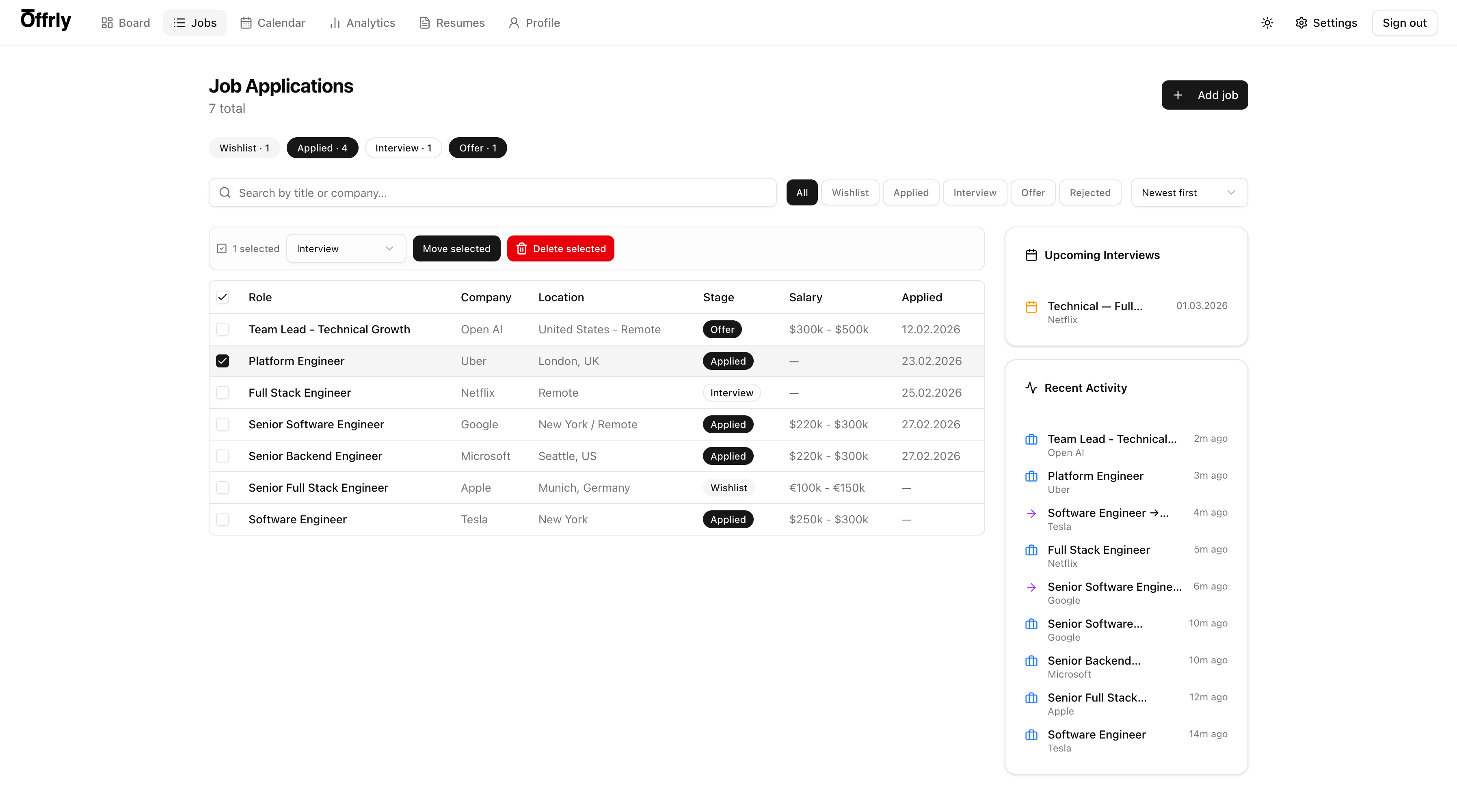
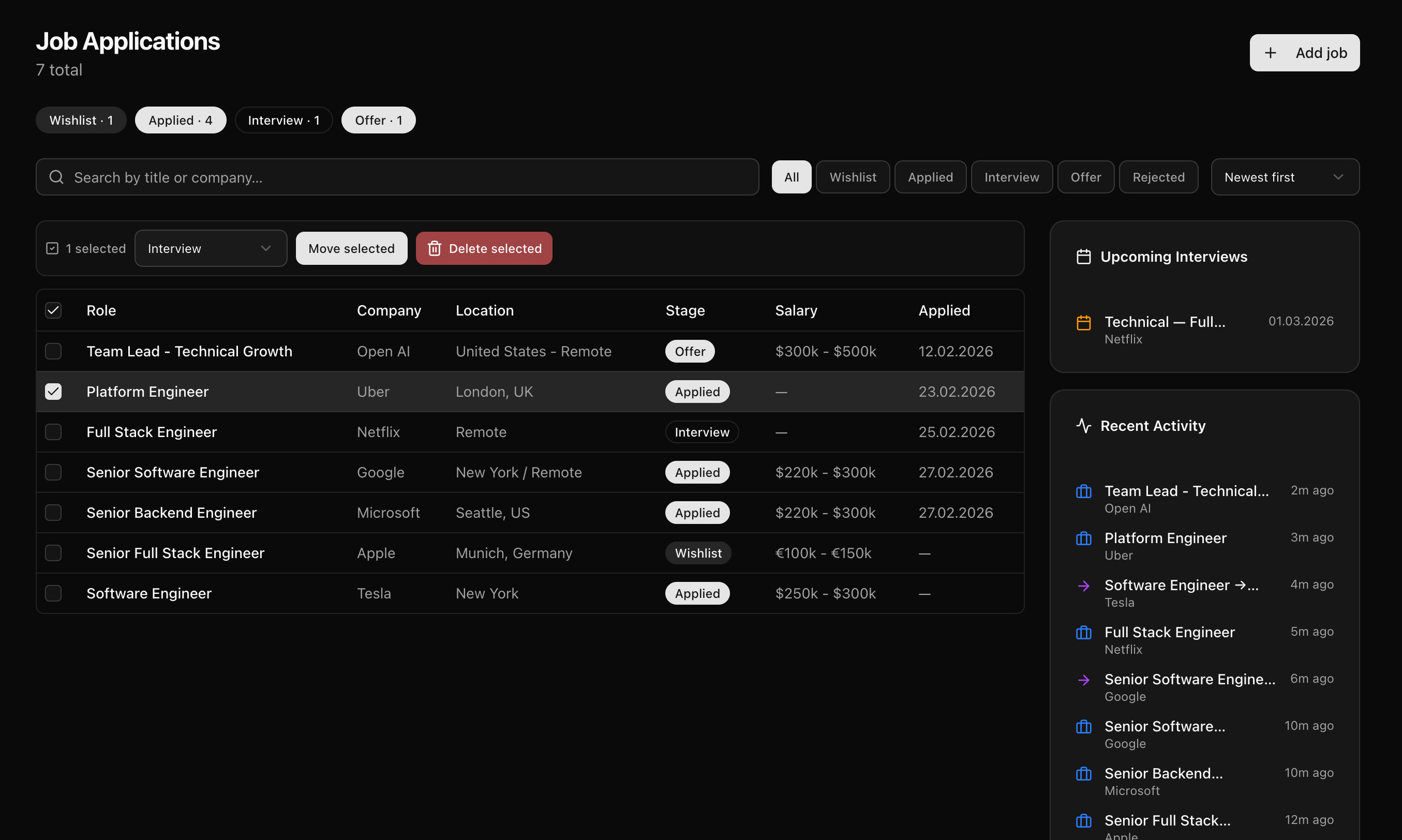
03
Faster Execution From a Clearer Starting Point
Most job search inefficiency comes from time wasted getting back up to speed: re-reading a job description you already summarized, searching for an email you already responded to, or trying to remember where a company fell on your priority list. When every action and piece of context has a fixed home inside the command center, your next step is always visible the moment you open a role. Execution gets faster not because you work harder, but because you never have to orient yourself from scratch.
Ready to put this to work?
Command Center per Job is part of the full ApplyX system — combine it with AI tailoring, interview prep, and analytics for a faster, more focused job search.
Explore the rest of the system
Every ApplyX feature works together. Combine them for a faster, more focused job search.
Automatic Job Tracking
Automatically track every opportunity from first save to final outcome in one clean system, without spreadsheet busywork.
AI Job Search Assistant
Use AI to speed up tailoring, gap analysis, and role-specific prep without losing control over final output quality.
Master + Tailored Resumes
Maintain one master resume and produce role-specific variants with clear versioning, style controls, and fast iteration.
Profile Autofill Data
Store repetitive application fields once and reuse them so form-heavy applications take less time and fewer errors.
Analytics That Matter
Measure funnel performance, activity trends, and stage distribution so your strategy improves week by week.