
Automatic Job Tracking
Most job seekers lose track of roles across browser tabs, sticky notes, and spreadsheets that go stale after the first week. Automatic Job Tracking replaces all of that with a structured, real-time pipeline. Get a drag-and-drop Kanban board for visual stage management, a filterable table for data-level review, and a calendar view for deadline and interview tracking — all pulling from the same source so your search stays coherent without extra effort.
- Replace spreadsheet maintenance with a live pipeline that updates as you move roles between stages.
- Use table filters to quickly review jobs by status, company, salary range, or application date.
- Spot momentum and bottlenecks early with timeline context across your search.
- Keep all job metadata structured so your decisions stay based on real signals.
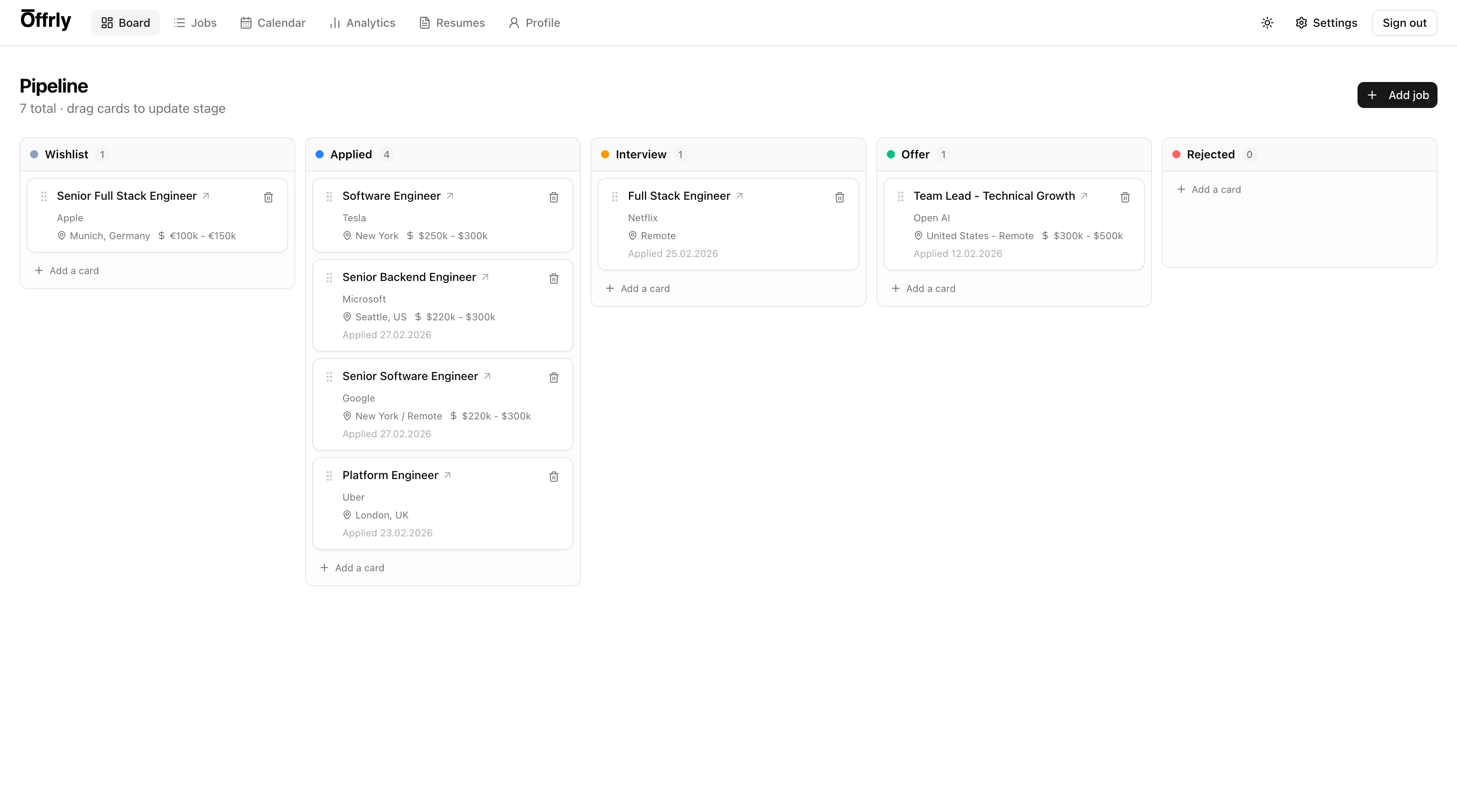
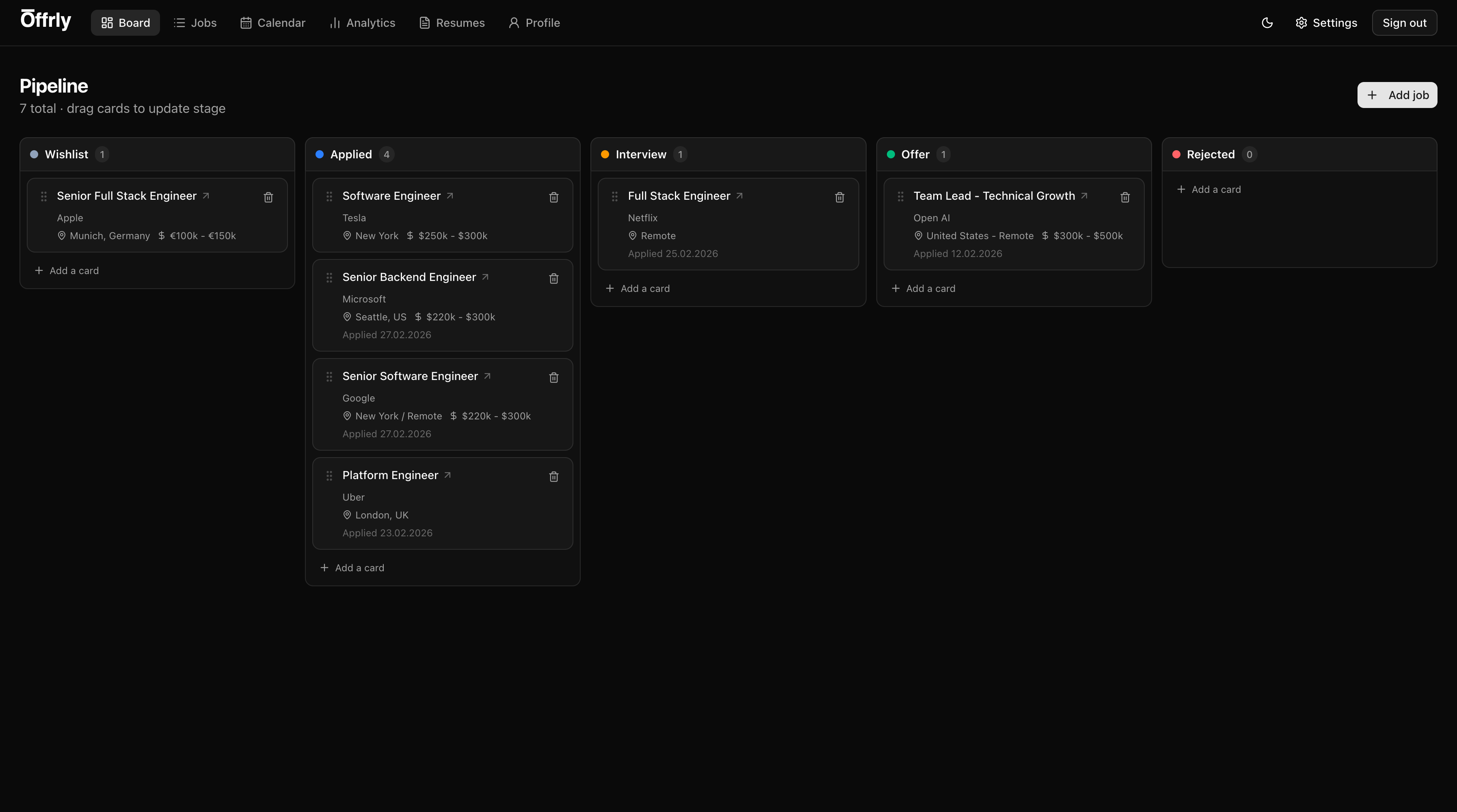
Live drag-and-drop pipeline for fast stage updates
01
Board, Table, and Calendar — All in One
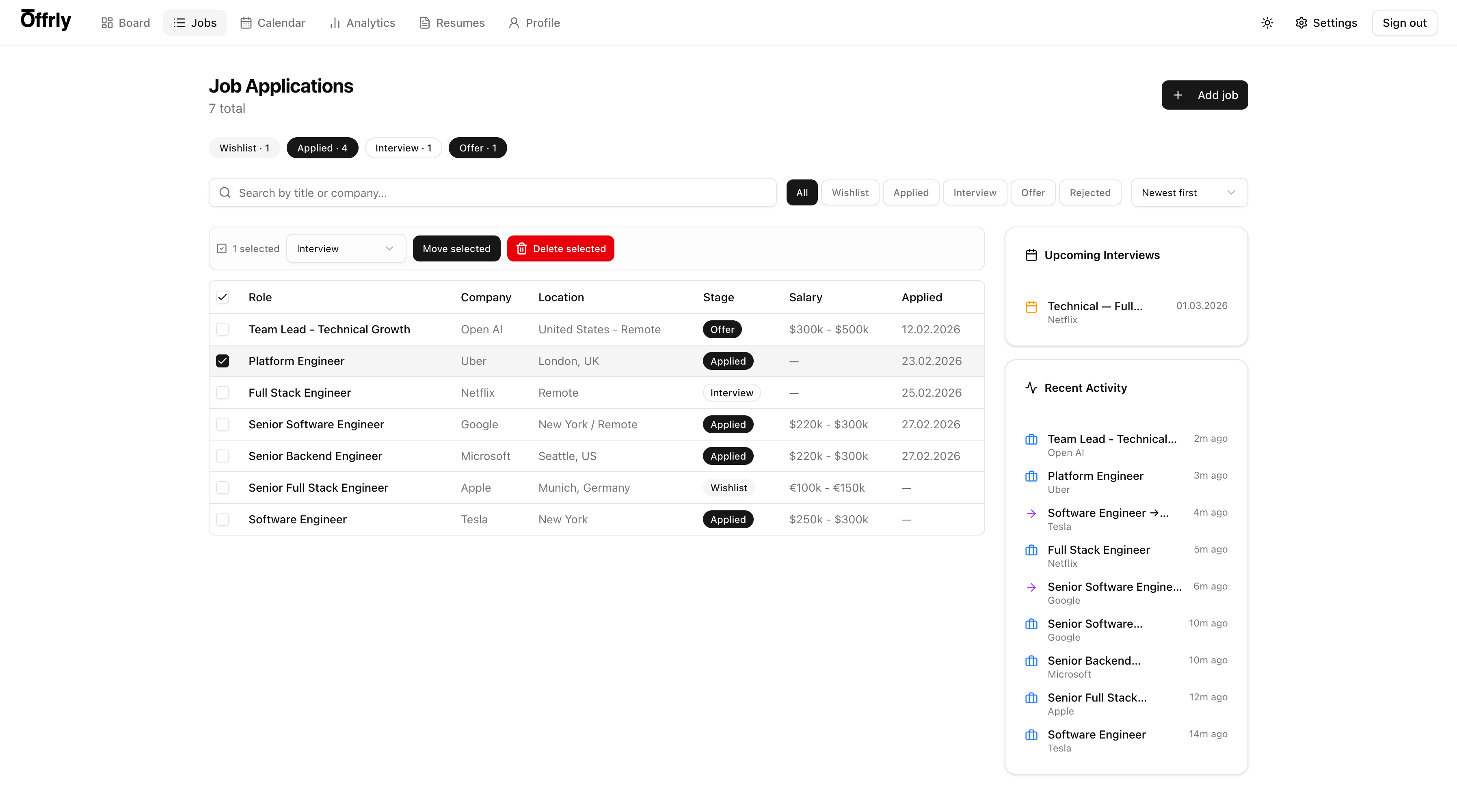
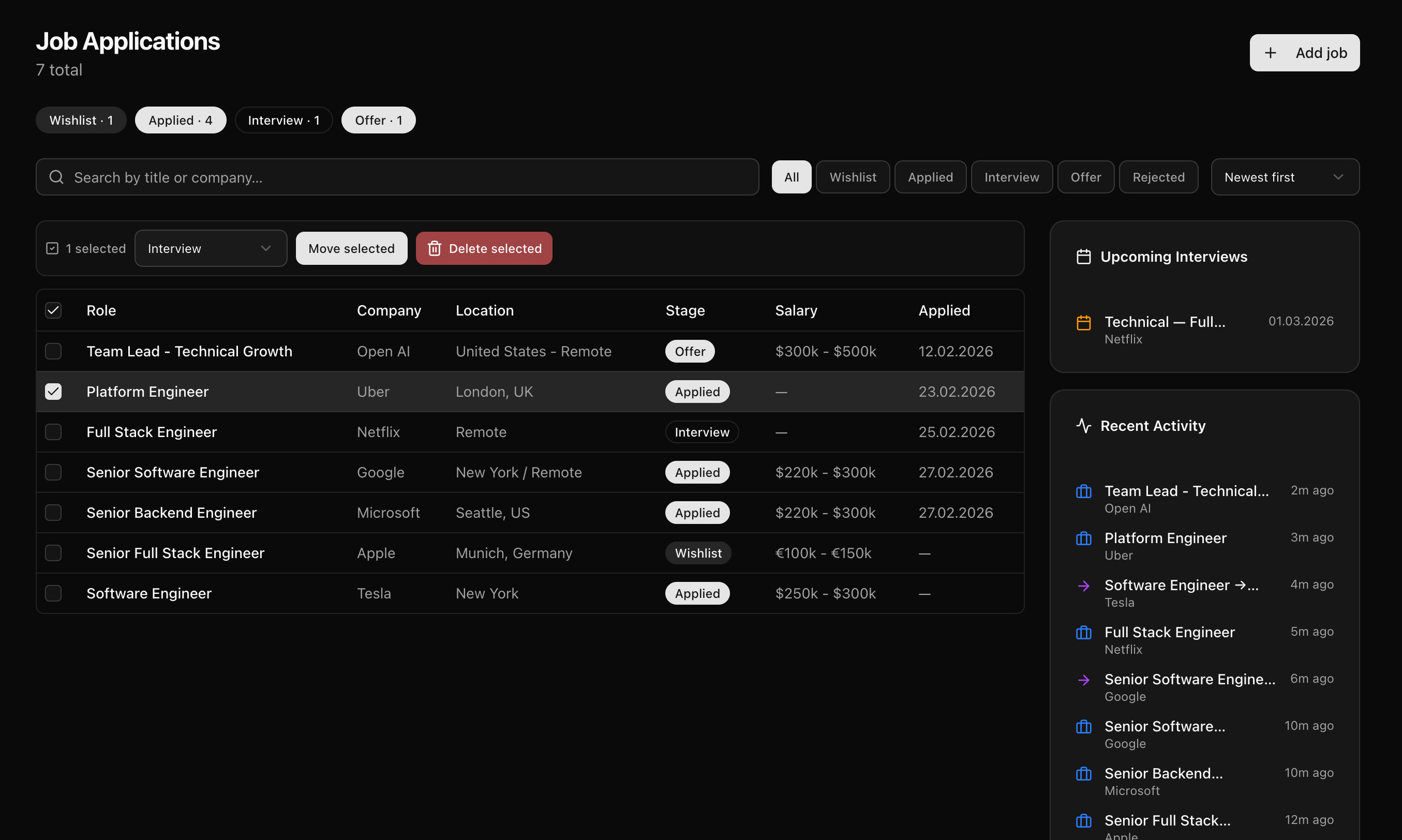
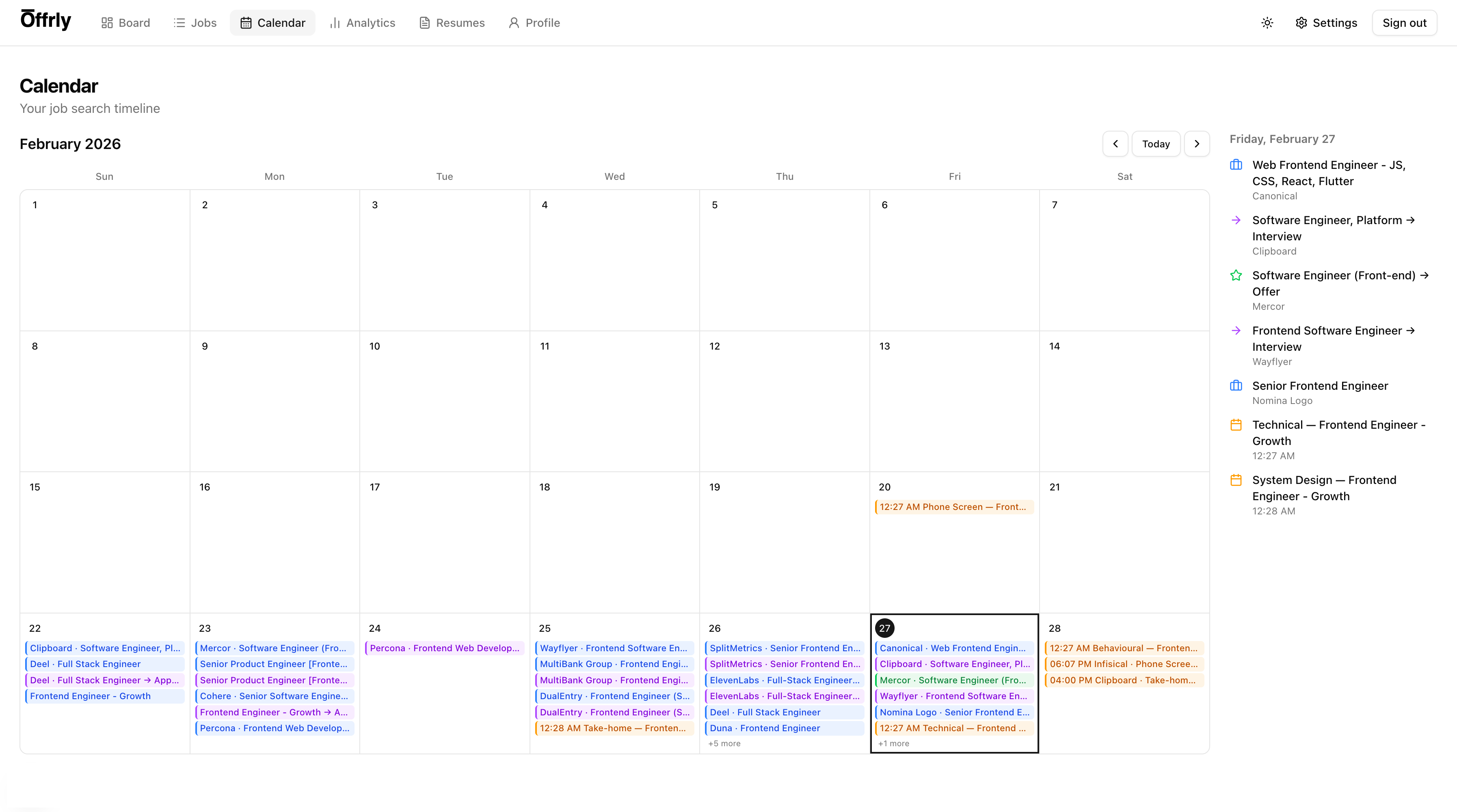
Different stages of your search call for different views. The Kanban board is best for a quick visual read on where each role sits — drag cards between Wishlist, Applied, Interviewing, and Offer stages without any extra clicks. The table view lets you sort and filter by company, salary range, location, or application date when you need to compare roles side by side. The calendar surfaces upcoming interviews and follow-up deadlines so nothing slips through. All three views pull from the same data, so switching between them never creates duplication or sync issues.
Searchable jobs table with bulk actions and filtering
02
No More Spreadsheet Maintenance
Spreadsheets start clean and fall apart within weeks — columns get added inconsistently, rows get forgotten, and no one updates them after a rejection. applyx keeps your tracker current automatically. Every time you save a job, move it through a stage, or add notes, the record updates in real time. There is no separate data entry step, no risk of version drift, and no moment where your tracker stops reflecting reality. Your pipeline is always accurate because updating it is the same action as doing the work.
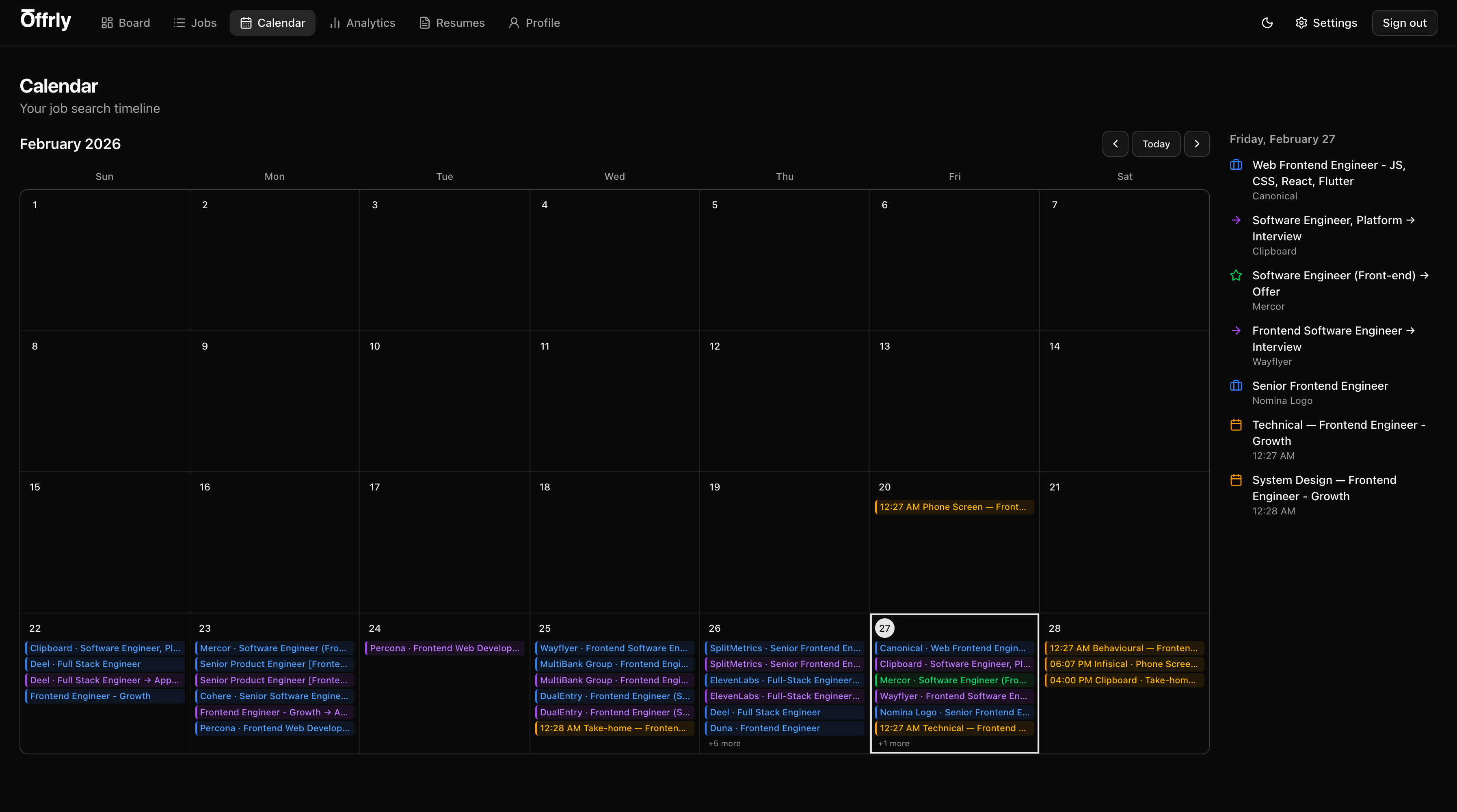
Calendar timeline to track interview and application flow
03
Operational Clarity When It Matters Most
When you are managing 20, 40, or 80 active roles, clarity is the difference between a focused search and a chaotic one. Automatic Job Tracking keeps each role fully structured — with salary range, location, source URL, application date, and stage history all attached — so you can prioritize intelligently. Filter down to roles in the "Final Round" stage, or surface everything applied in the last two weeks that has not gotten a response. Use that context to decide where to spend your energy next rather than guessing from memory.
Ready to put this to work?
Automatic Job Tracking is part of the full ApplyX system — combine it with AI tailoring, interview prep, and analytics for a faster, more focused job search.
Explore the rest of the system
Every ApplyX feature works together. Combine them for a faster, more focused job search.
Command Center per Job
Keep everything for each application in a single role-specific workspace: context, notes, tasks, and interviews.
AI Job Search Assistant
Use AI to speed up tailoring, gap analysis, and role-specific prep without losing control over final output quality.
Master + Tailored Resumes
Maintain one master resume and produce role-specific variants with clear versioning, style controls, and fast iteration.
Profile Autofill Data
Store repetitive application fields once and reuse them so form-heavy applications take less time and fewer errors.
Analytics That Matter
Measure funnel performance, activity trends, and stage distribution so your strategy improves week by week.