
Profile Autofill Data
The average job application form asks the same questions as the last twenty you filled out: your address, work authorization status, years of experience, highest degree, and a handful of short-answer questions that are basically identical across every company. Profile Autofill Data lets you answer all of these once, store them in a structured profile, and then deploy them automatically through the applyx browser extension. The result is applications that take minutes instead of thirty — and answers that are consistent, accurate, and ready at any time.
- Save common form answers once instead of retyping across every application.
- Keep responses consistent across companies and platforms.
- Reduce entry mistakes caused by repetitive manual typing.
- Spend more energy on role-specific quality work, not form mechanics.
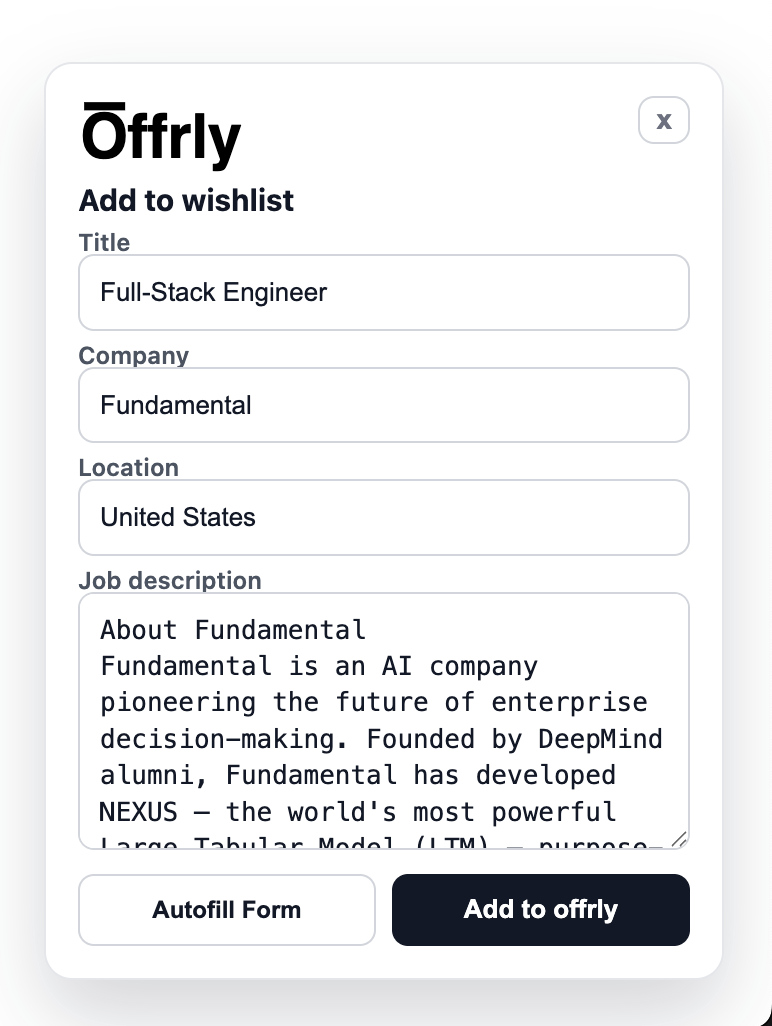
Save any job to your pipeline with one click from the extension
01
Store Your Application Data Once
Your profile in applyx holds every field that applications typically request: full name, contact details, address, work authorization, education history, years of experience, LinkedIn URL, portfolio links, and commonly asked short-answer questions like "Why are you interested in this role?" or "Describe a challenge you overcame." You fill these out once, with care, and they become your reusable application baseline. Updating a field — like switching cities or adding a new certification — updates it everywhere in one edit, with no risk of sending inconsistent information across different applications.
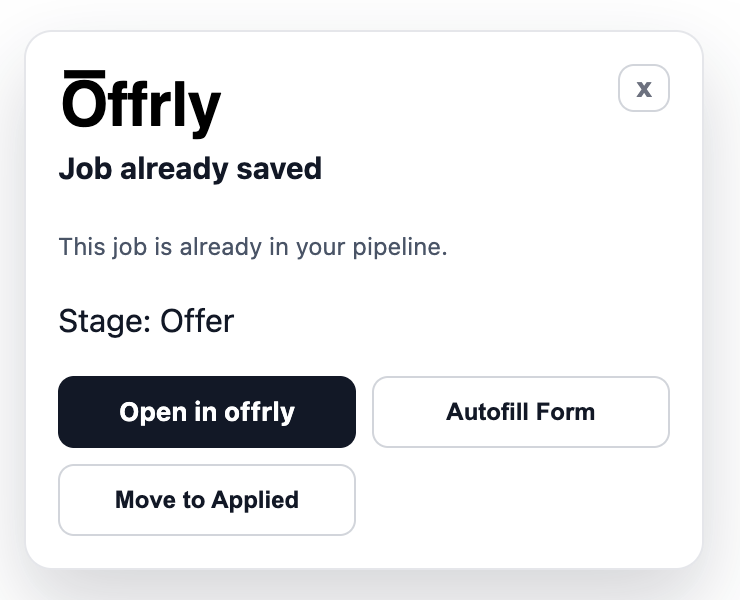
Already-tracked jobs show quick actions: open, autofill, or move stage
02
Autofill Forms From the Browser Extension
The applyx Chrome extension reads your stored profile and populates standard application form fields automatically when you visit a supported job application page. Whether the form is built on Greenhouse, Lever, Workday, or another platform, your data lands in the right fields with a single action. The extension also saves job listings directly to your applyx pipeline — so the same tool that captures new opportunities also helps you apply to them faster. What typically takes 15–20 minutes of repetitive typing gets compressed into a two-minute review and submit.
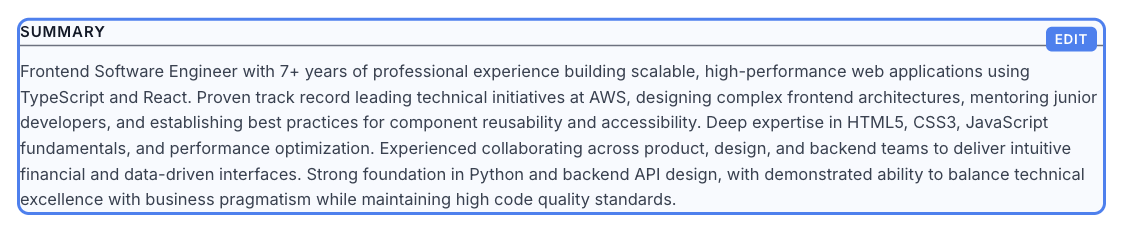
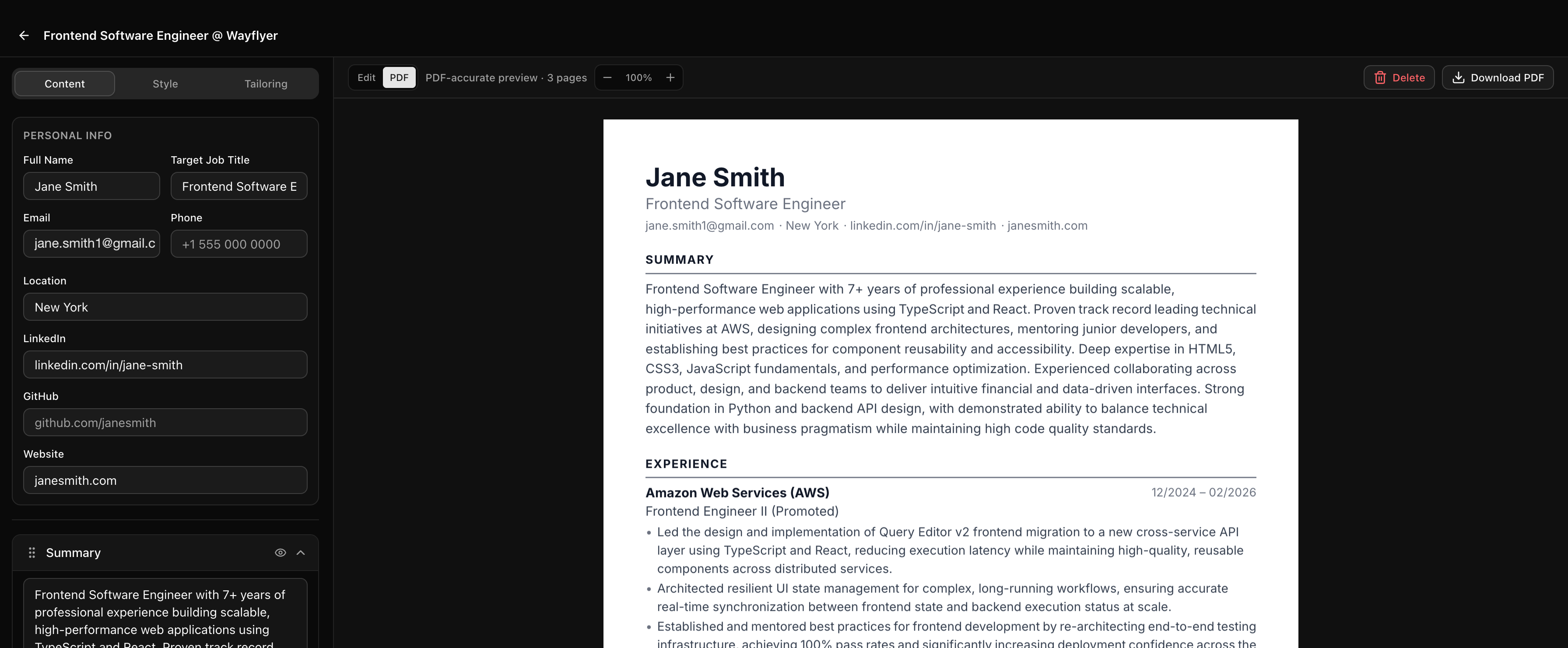
Structured profile data editing for consistent field quality
03
Free Your Time for Higher-Value Work
Form mechanics are one of the most time-consuming parts of a job search, and they add zero value to your candidacy. The time you spend retyping your LinkedIn URL for the fiftieth time is time not spent writing a strong cover letter, researching the company, or preparing interview answers. By removing repetitive data entry from your process, profile autofill frees your attention for the work that actually differentiates you. Apply faster, apply to more roles, and spend the time you save on the parts of the search where effort actually compounds.
Ready to put this to work?
Profile Autofill Data is part of the full ApplyX system — combine it with AI tailoring, interview prep, and analytics for a faster, more focused job search.
Explore the rest of the system
Every ApplyX feature works together. Combine them for a faster, more focused job search.
Automatic Job Tracking
Automatically track every opportunity from first save to final outcome in one clean system, without spreadsheet busywork.
Command Center per Job
Keep everything for each application in a single role-specific workspace: context, notes, tasks, and interviews.
AI Job Search Assistant
Use AI to speed up tailoring, gap analysis, and role-specific prep without losing control over final output quality.
Master + Tailored Resumes
Maintain one master resume and produce role-specific variants with clear versioning, style controls, and fast iteration.
Analytics That Matter
Measure funnel performance, activity trends, and stage distribution so your strategy improves week by week.